
Learn to use the designer.
Watch the video tutorials, follow a quick start guide for your kind of project, download the user manual, or read the articles. Learn at your own pace.
Three short guides, one for each kind of project.
Each one takes you from a site to an exported scheme in a few minutes. For every tool explained, read the full quick start guide, or keep the user manual beside you.
Apartments on a site
From an address to a ranked apartment scheme with floor plans, parking, costs and an export, in about five minutes.
Open the guide → About 5 minutesTownhouses, duplexes and house lots
Lay out townhouse rows, duplex lots or a house-and-land subdivision with a new road, and price it, in about five minutes.
Open the guide → About 3 minutesA house with a granny flat
Place a secondary dwelling behind an existing or new house, check it against the NSW complying-development limits, and see its cost, value and rent.
Open the guide →Download the user manual
The quick start guide as a PDF: site, criteria, generating options, refining, floors and parking, costs and finance, exports, shortcuts and troubleshooting.
Watch the designer, one feature at a time.
11 narrated videos, about a minute each, in the order you would use the designer. Every tutorial page also has the steps written out and a transcript.
 1:06
1
1:06
1
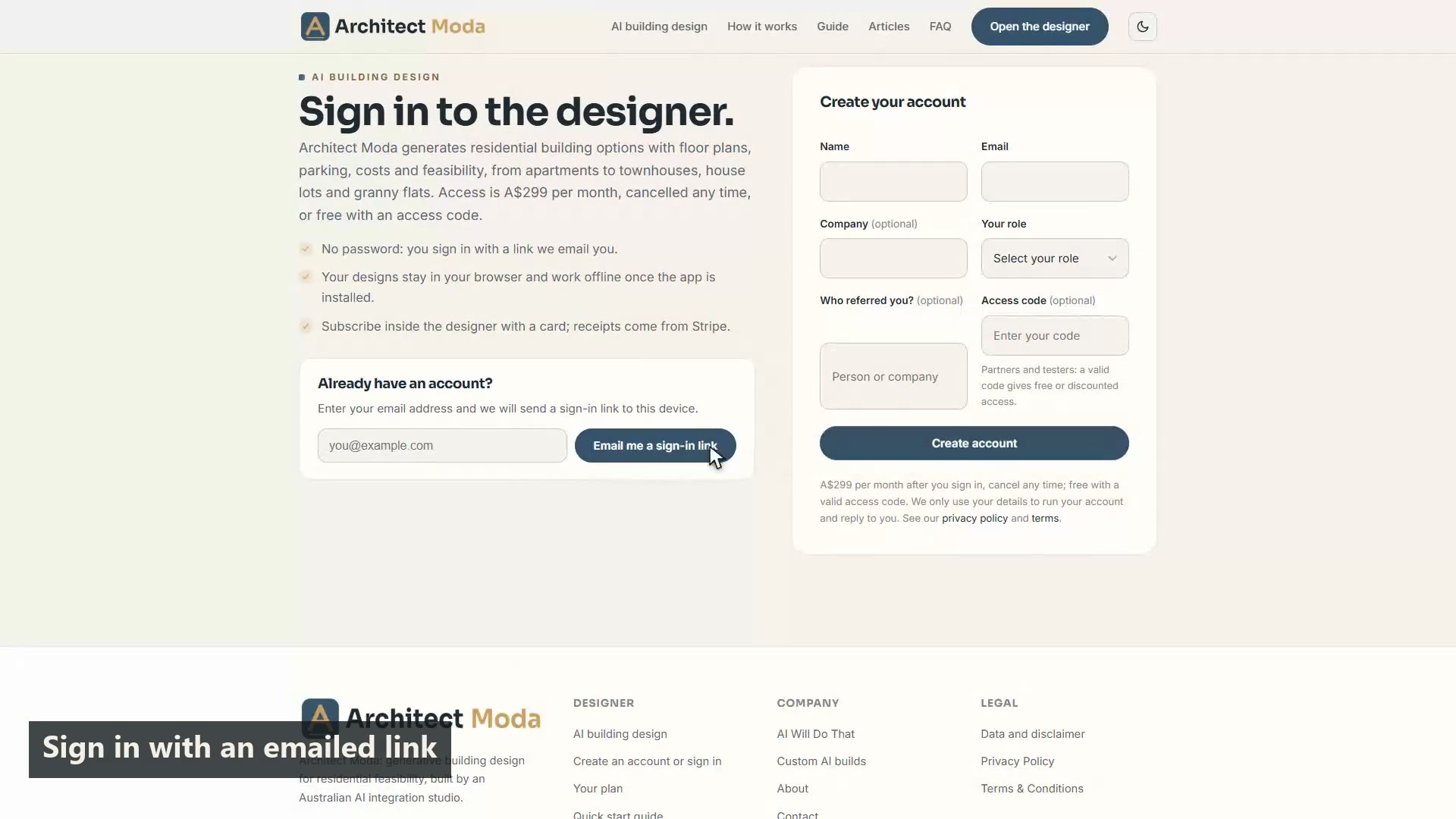
Getting started: your account and the designer
Create an account, sign in with an emailed link, start a design and find your way around the inputs, the design view and the data panel.
 1:12
2
1:12
2
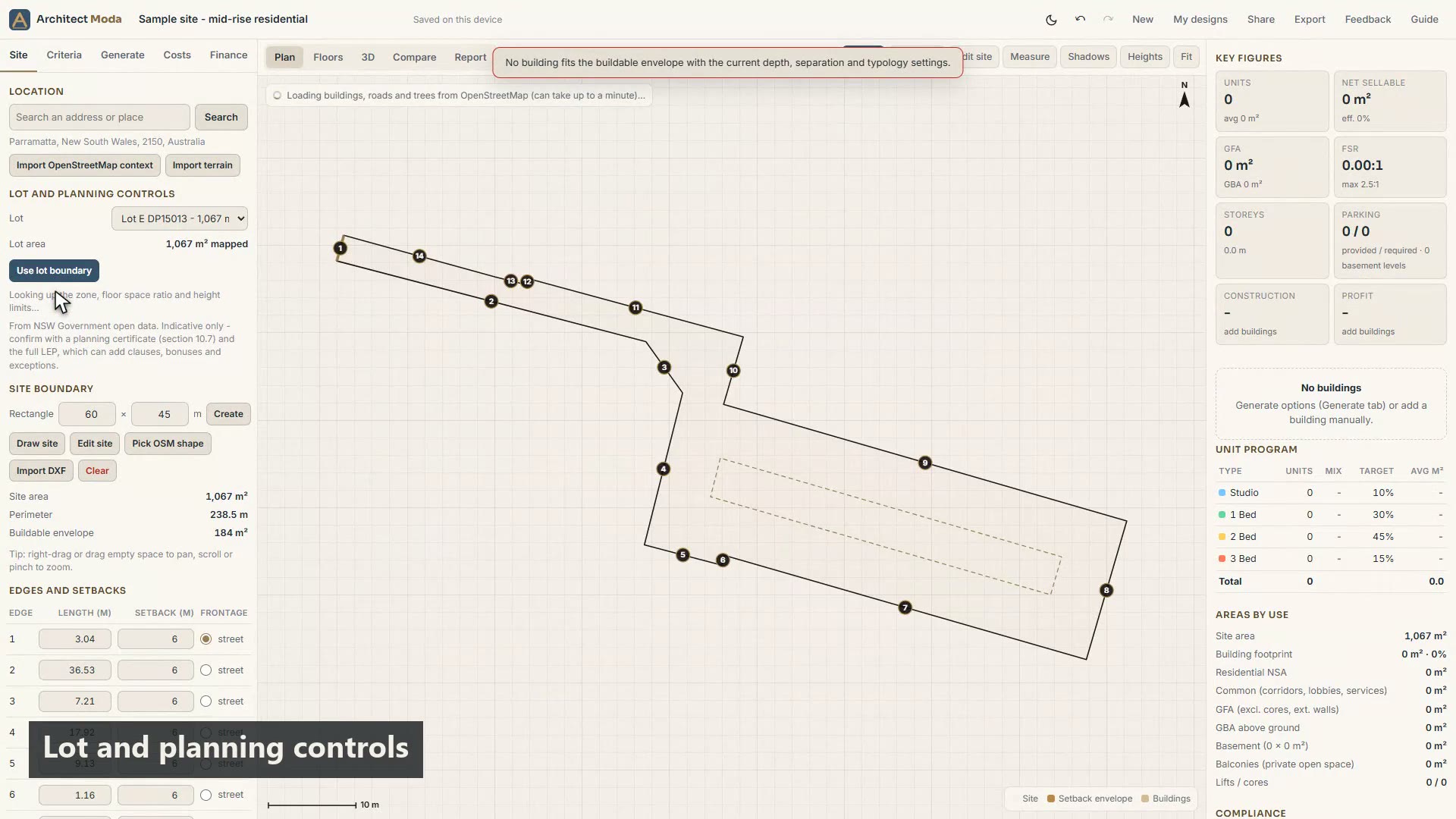
Setting up the site
Find the location, import the surrounding context and terrain, draw or edit the boundary, and set setbacks and the street frontage.
 1:17
3
1:17
3
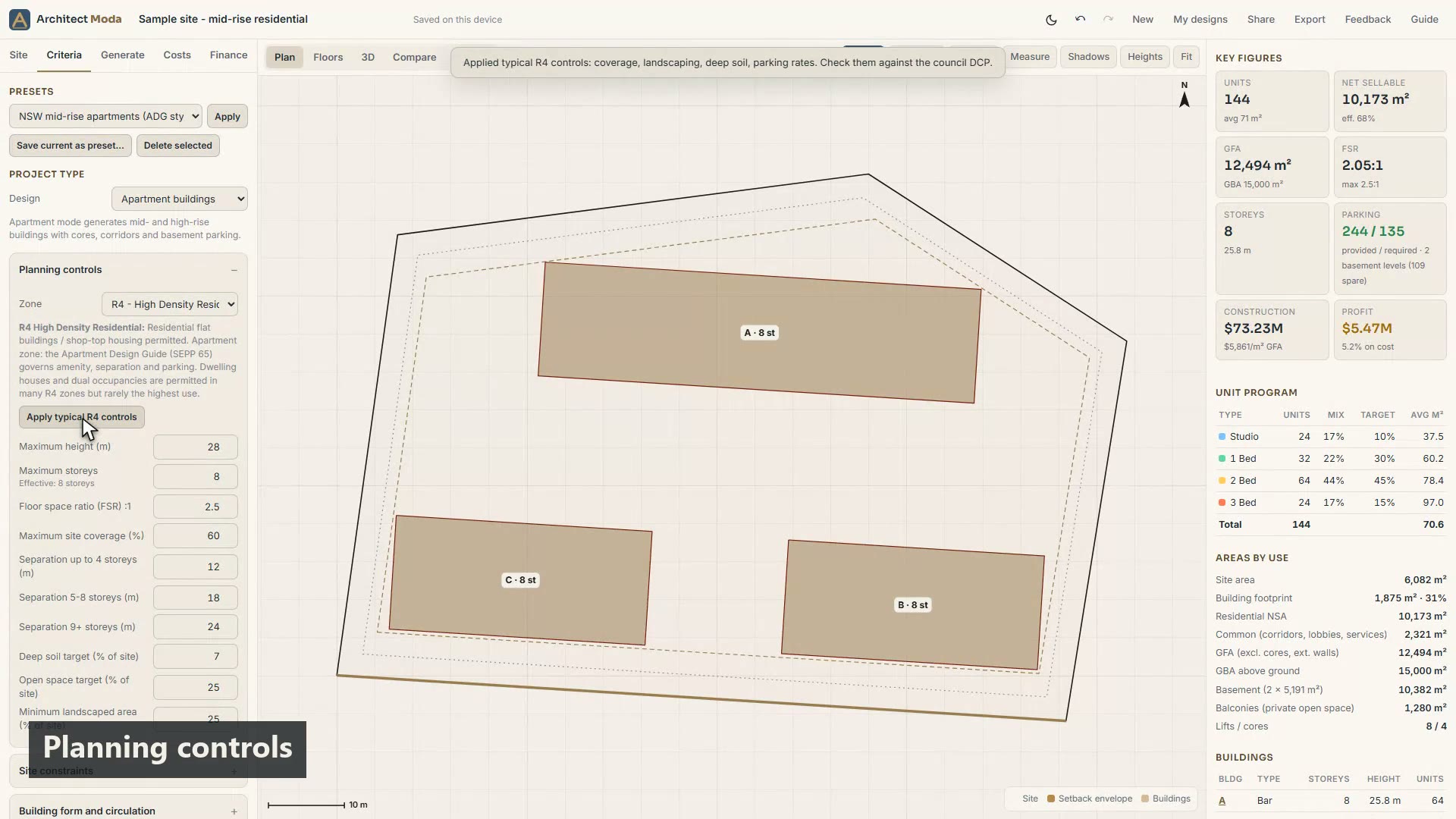
Setting the design criteria
Presets and project type, planning controls, building form, unit typologies and mix, environment targets, parking and custom rules.
 1:08
4
1:08
4
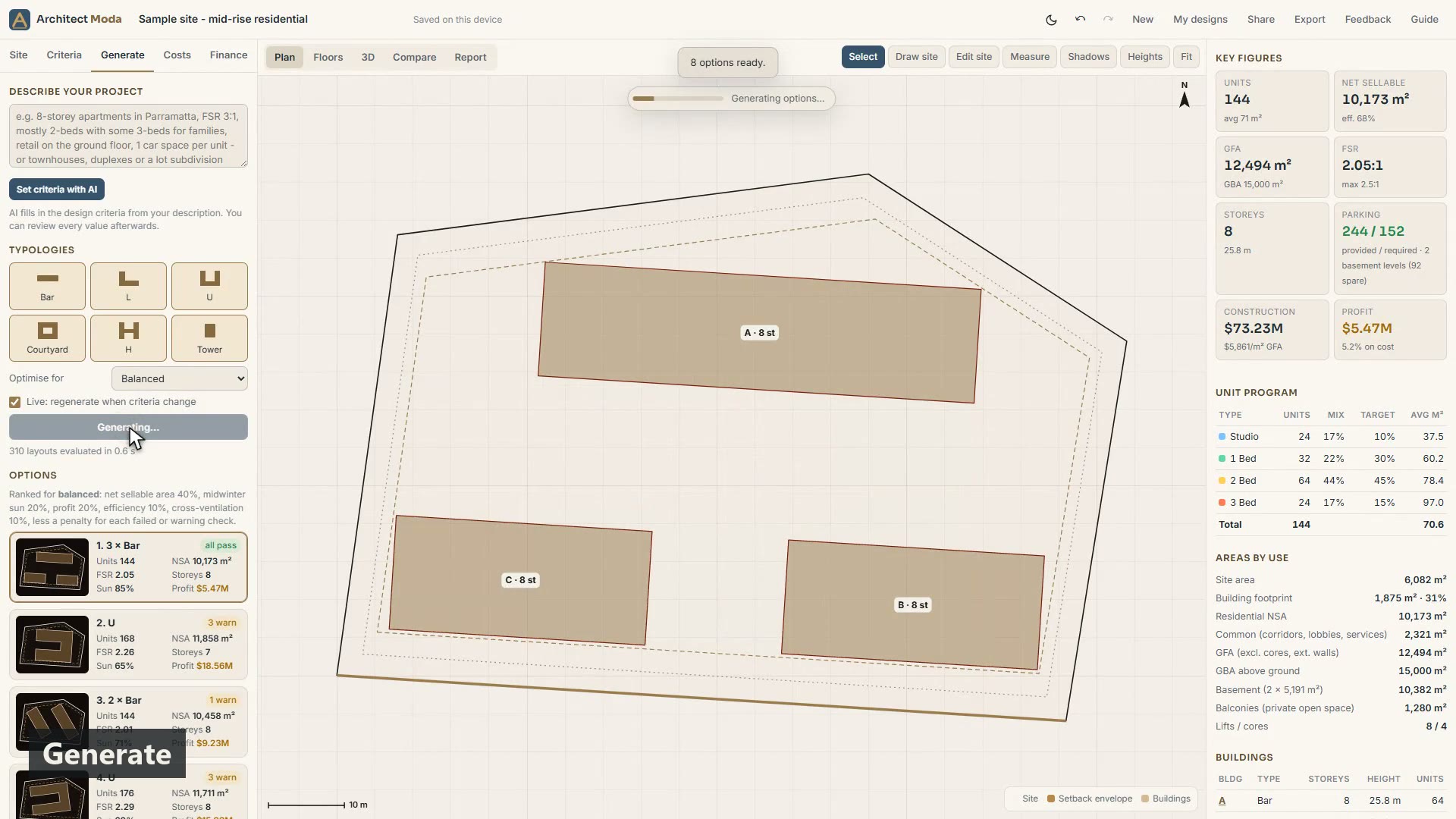
Generating options
Choose typologies and an objective, generate ranked options, read the cards and badges, and keep Live on so options follow your changes.
 0:50
5
0:50
5
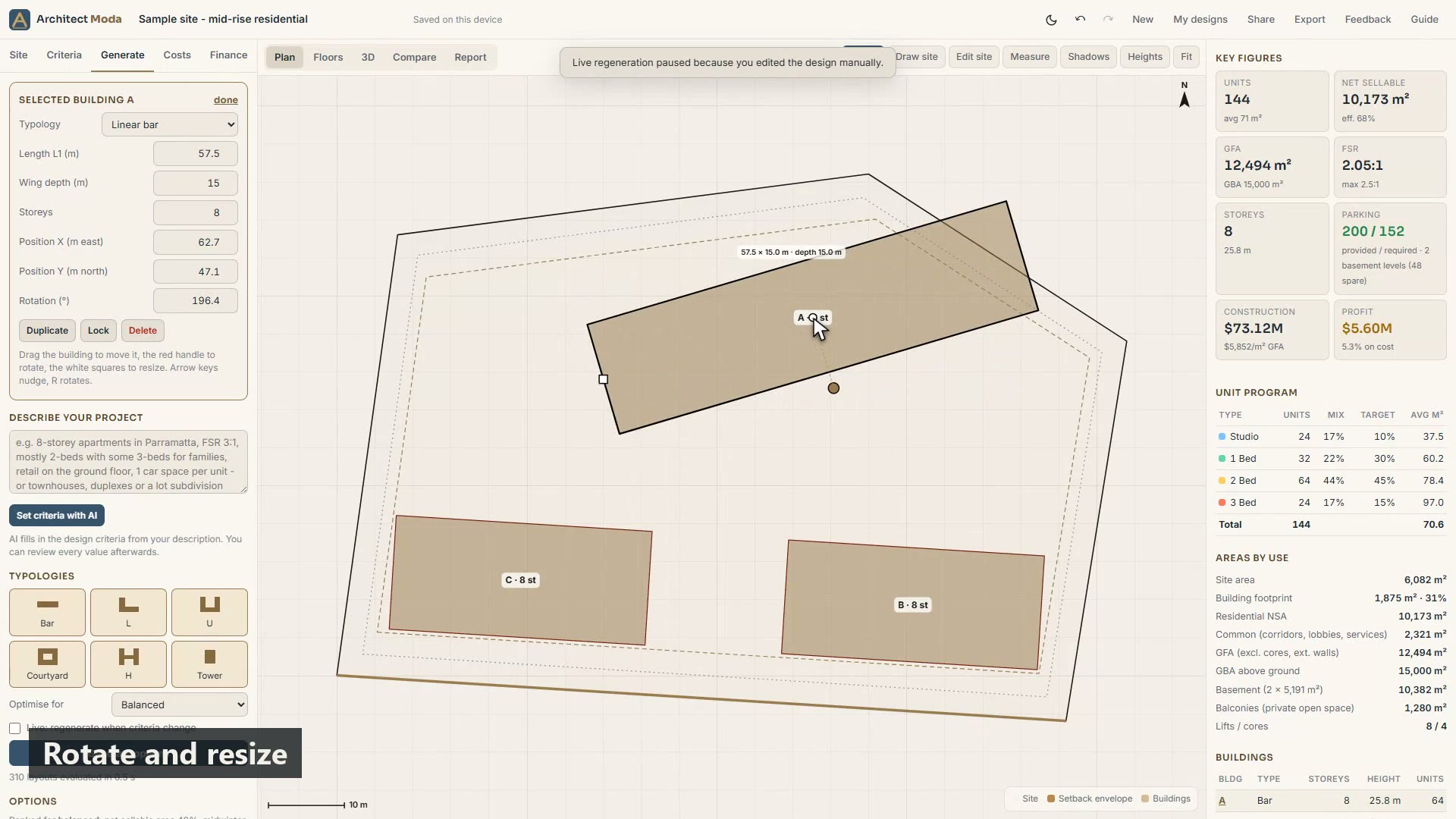
Refining a scheme by hand
Select, move, rotate and resize buildings, set them exactly from the building card, and add or fill buildings in one step.
 0:58
6
0:58
6
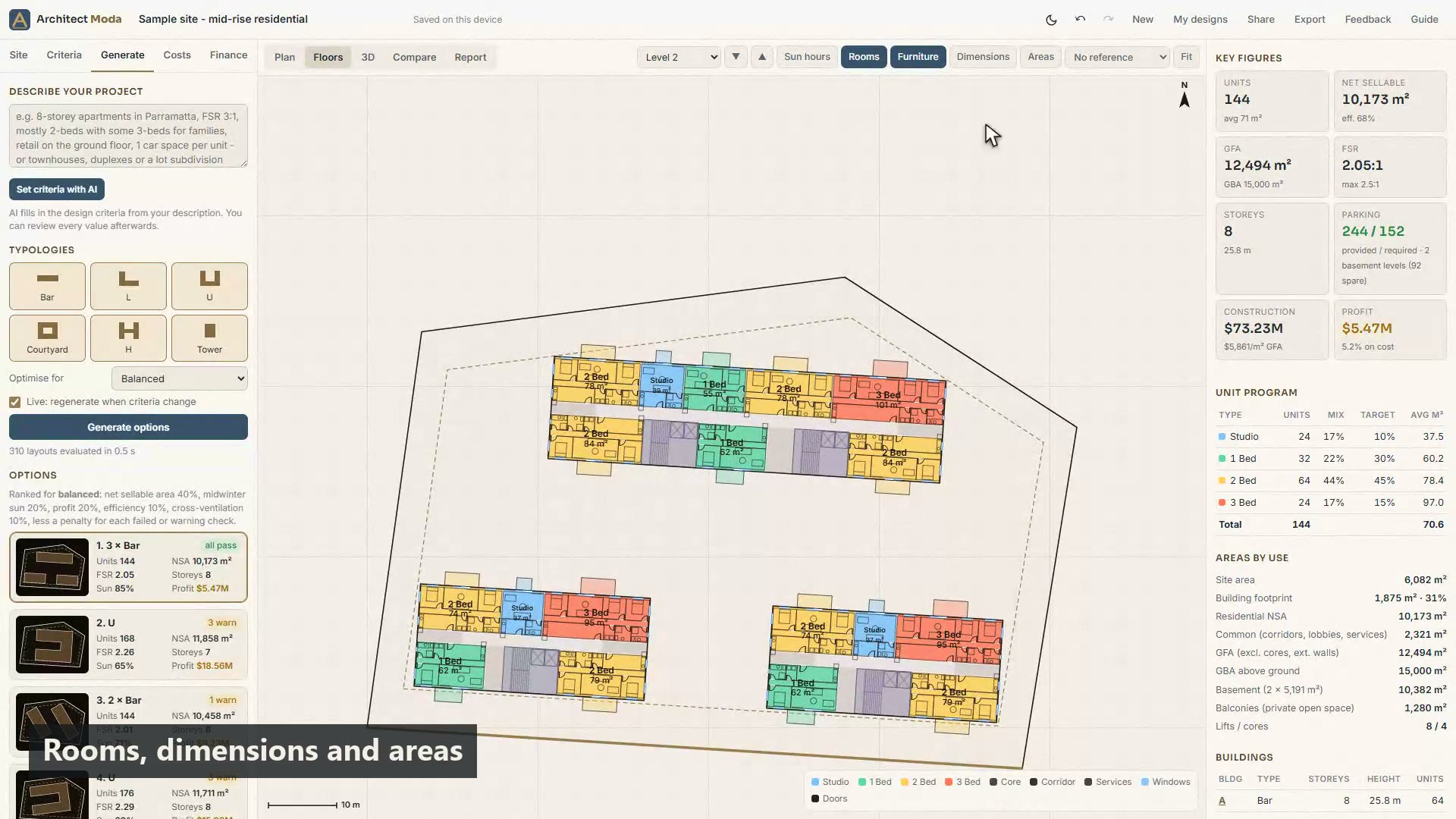
Floors, rooms and dwellings
Step through every level, read the rooms, furniture, windows and doors, check dimensions and areas, edit a dwelling and view sun hours.
 0:50
7
0:50
7
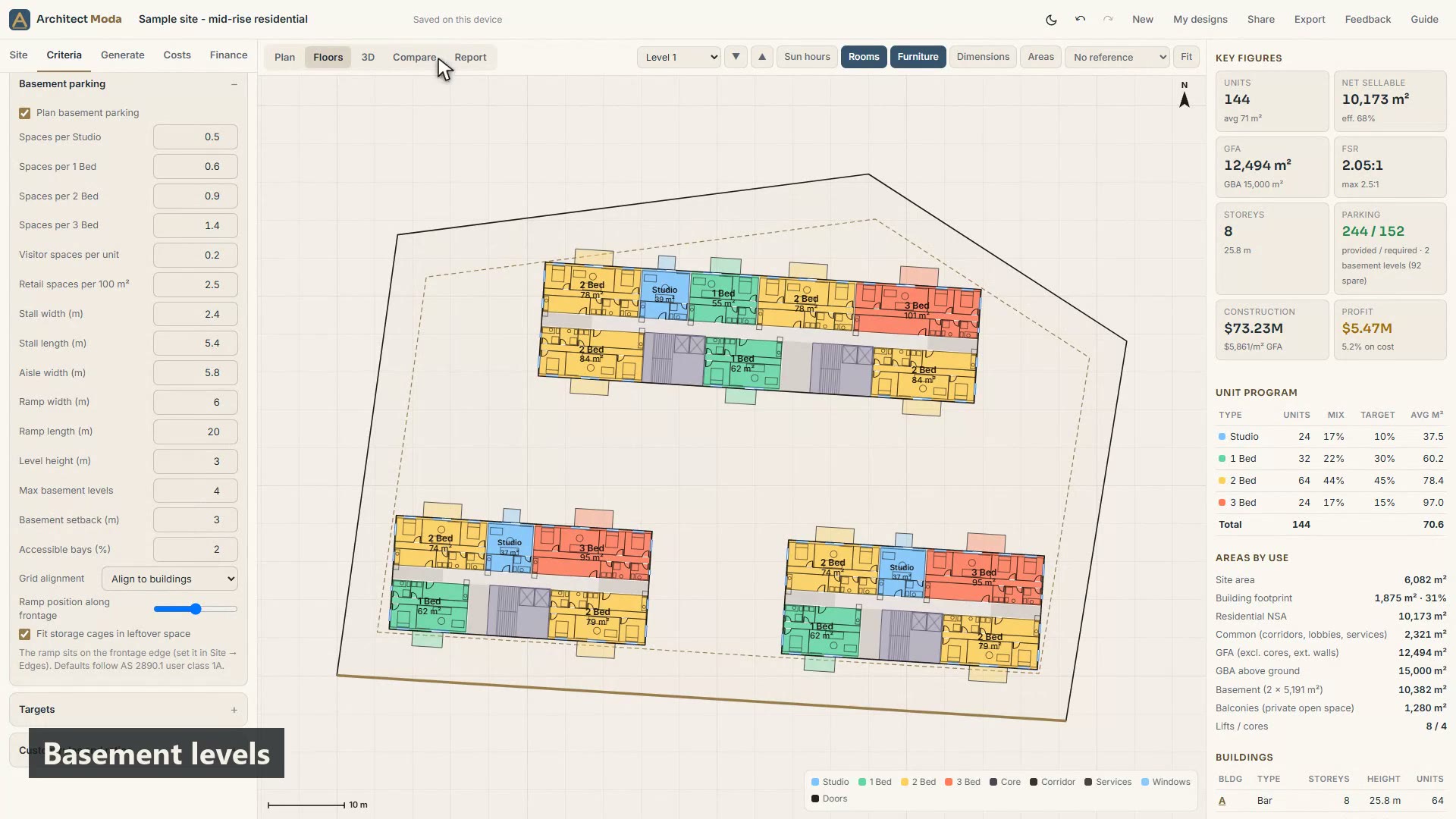
Basement parking
Set parking rates and geometry, read the basement levels with ramp, aisles, bays and storage, and compare spaces provided with required.
 0:52
8
0:52
8
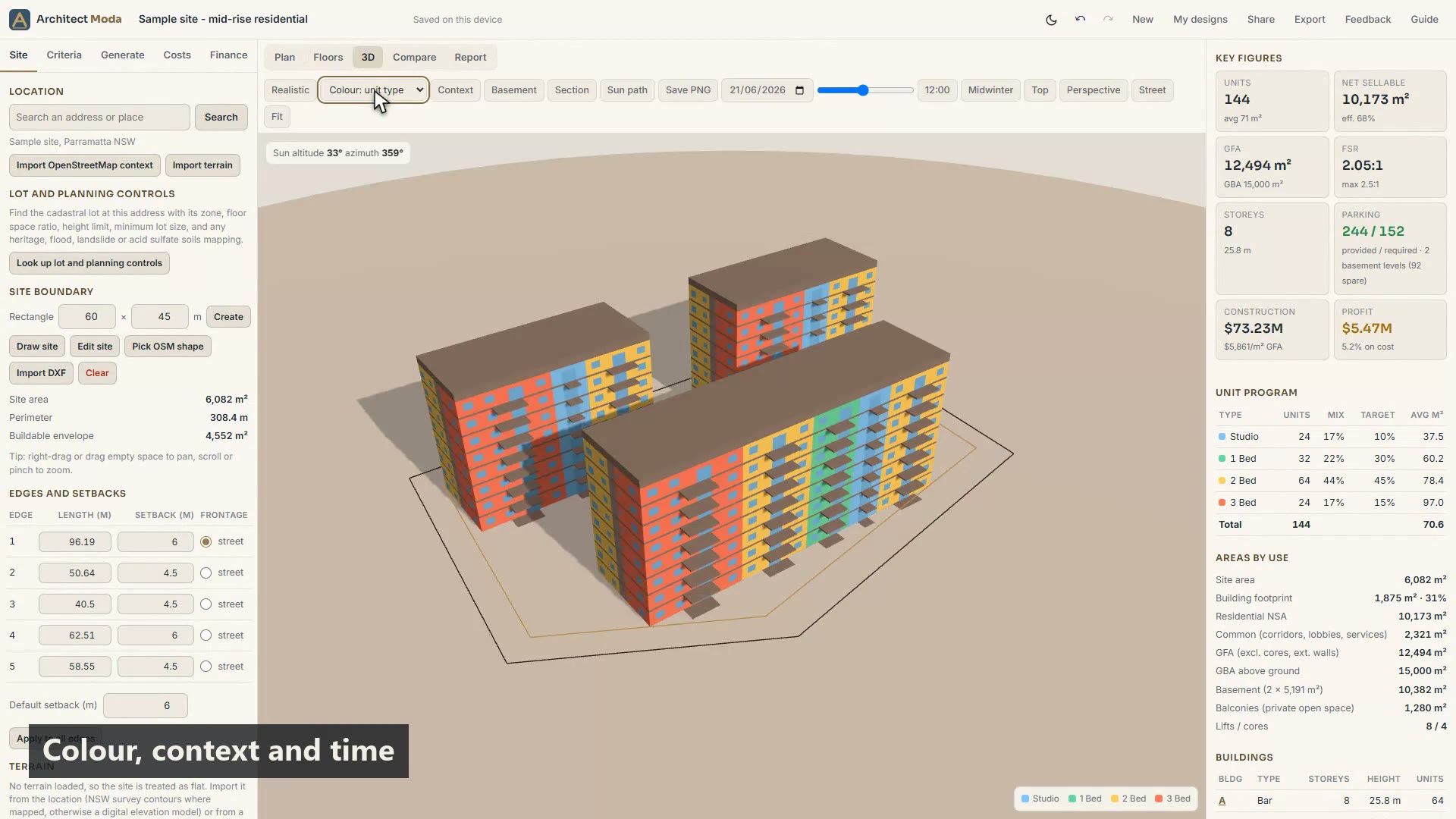
Sun, shadows and the 3D view
Shadows in plan, the 3D colour modes and context, the time and date controls, section and sun path, cameras and the realistic render.
 1:01
9
1:01
9
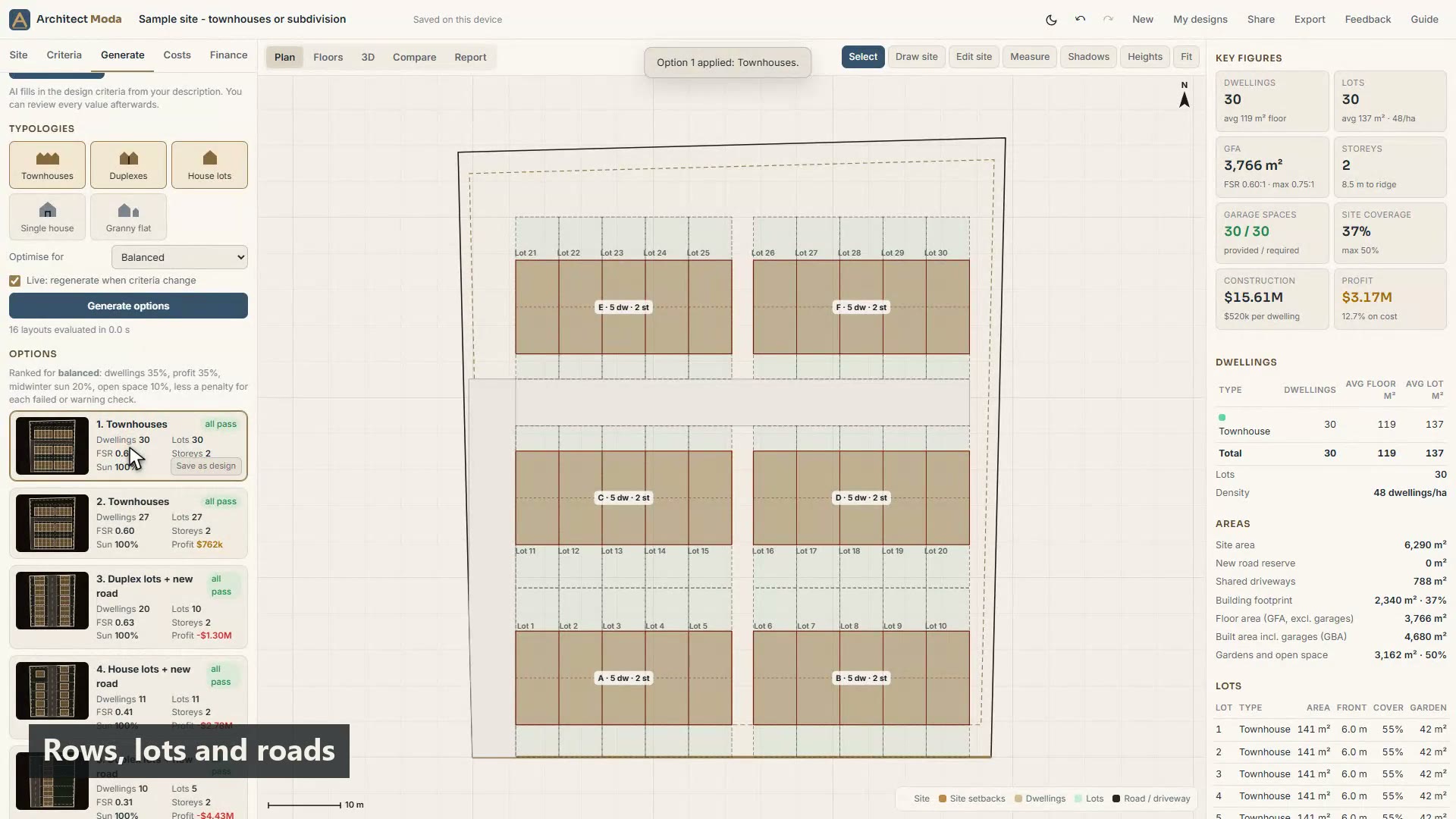
Townhouses, lots, houses and granny flats
Houses mode for townhouse rows, duplex lots and house-and-land lots with a new road, a single house, and a granny flat checked against the NSW rules.
 0:58
10
0:58
10
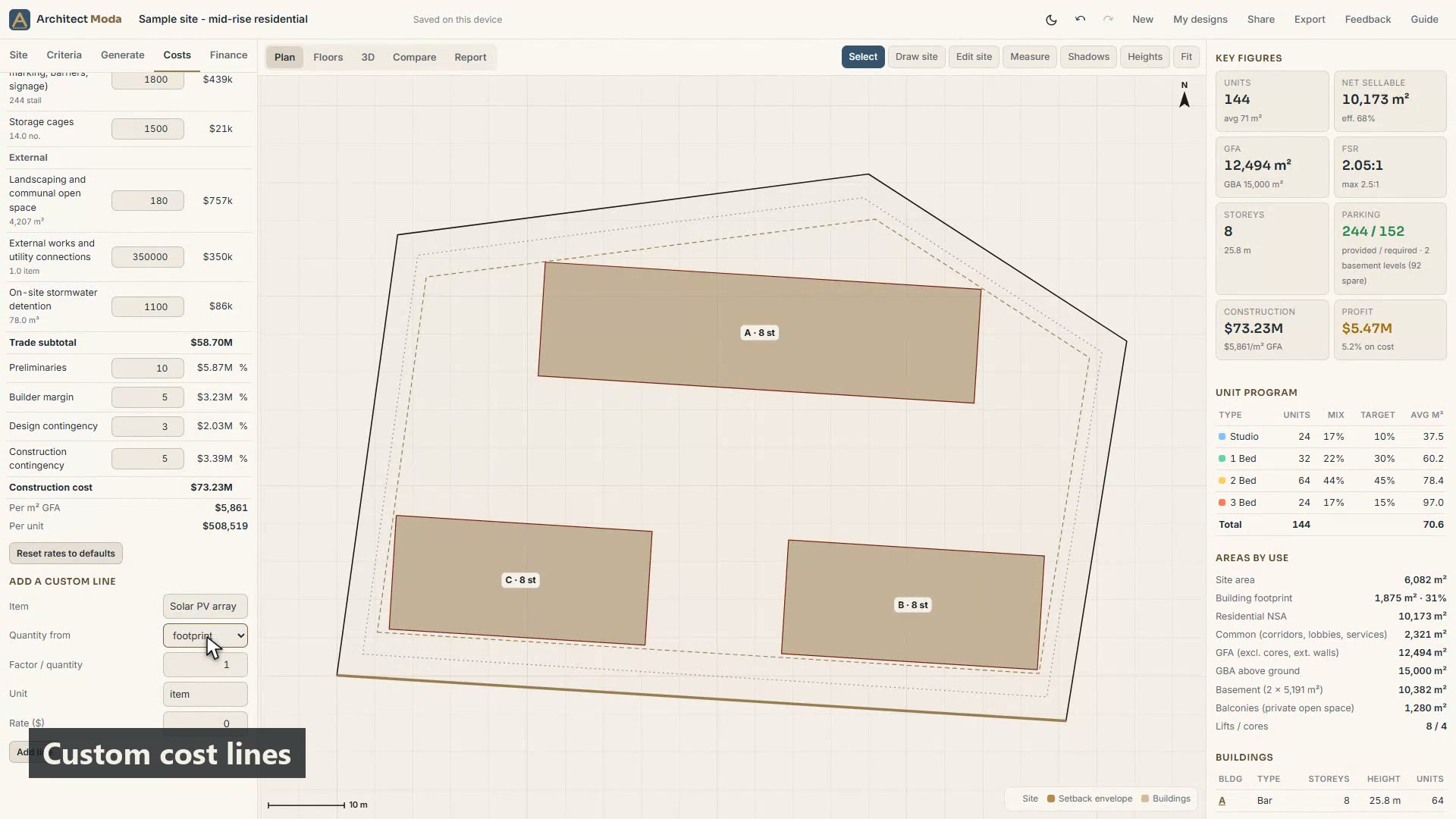
Costs and finance
The measured bill of quantities, editable rates and markups, custom cost lines, land and sales inputs, and the feasibility with residual land value and sensitivity.
 0:51
11
0:51
11
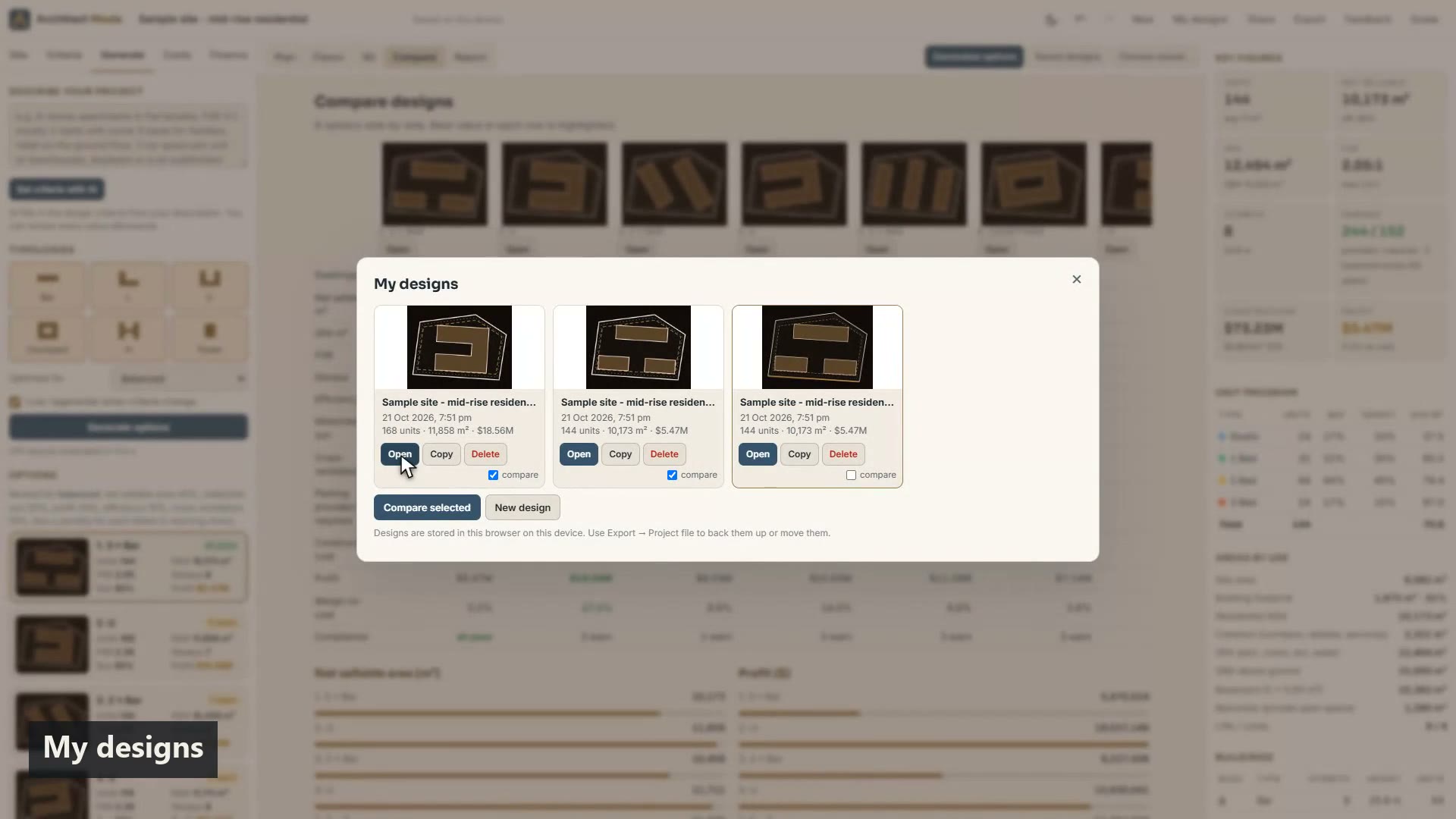
Compare, share and export
Compare options or saved designs side by side, manage My designs, share a private link, and export XLSX, DXF, IFC, OBJ, PNG, JSON or a PDF report.
The thinking behind the numbers.
How to test what fits on a residential site in 10 minutes
A practical early-feasibility workflow for apartment sites: the controls you need, how to generate and compare massing options, and how to read yield, parking, cost and residual land value.
Read the article →FSR, GFA, GBA and NSA: the area terms every feasibility uses
Plain-English definitions of floor space ratio, gross floor area, gross building area and net sellable area, what each includes and excludes, and the efficiency ratios that link them.
Read the article →Basement car park layout basics: bays, aisles and ramps
How residential basement car parks are laid out: AS/NZS 2890.1 bay and aisle sizes, the 16.6 m module, ramps, accessible bays, storage and what drives the number of basement levels.
Read the article →Try it on a real site.
Create your account, then open the designer and load the sample or search your own address. A$299 a month, cancel any time, or free with an access code; in your browser, no password.